AI Chatbot Features That Close Sales

The online salesperson that recommends products, handles objections, and walks shoppers to checkout. Every plan includes product discovery, comparison, cart, support, live chat with your own team, and order tracking.

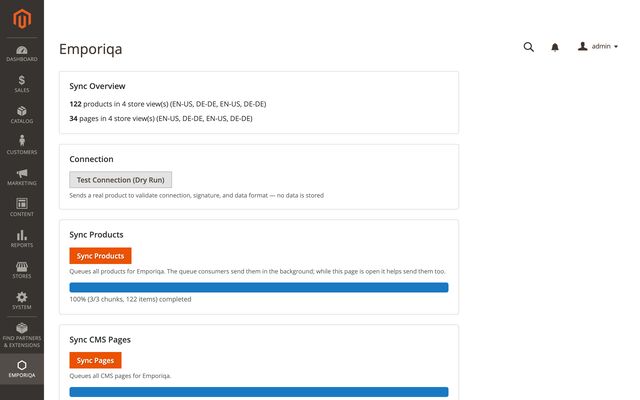
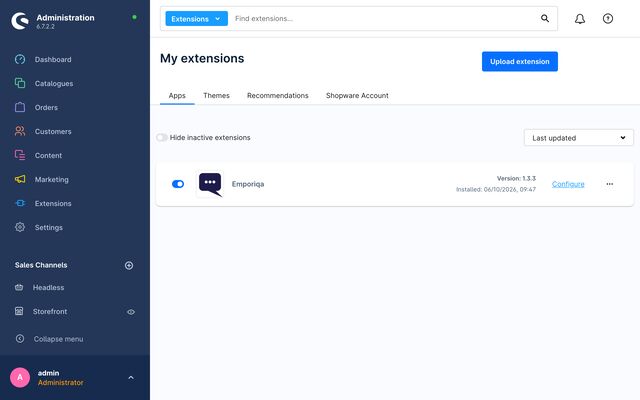
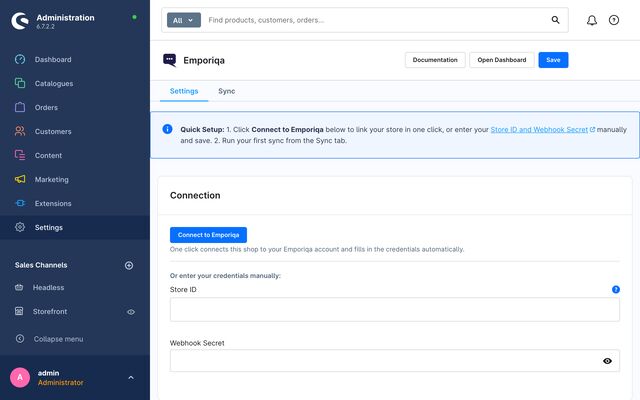
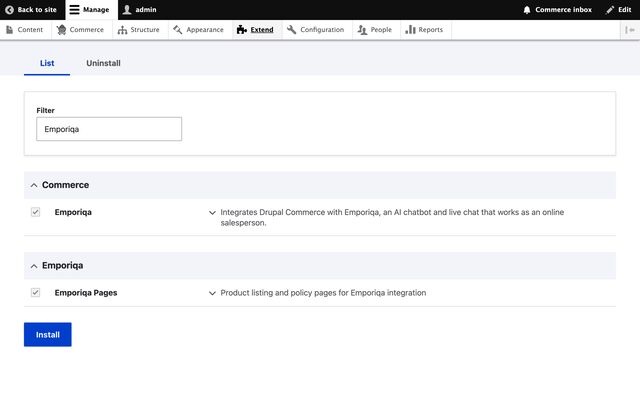
Built for Your Platform

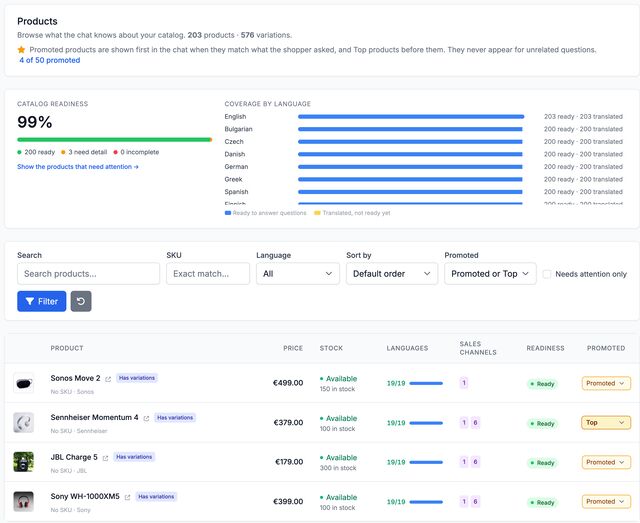
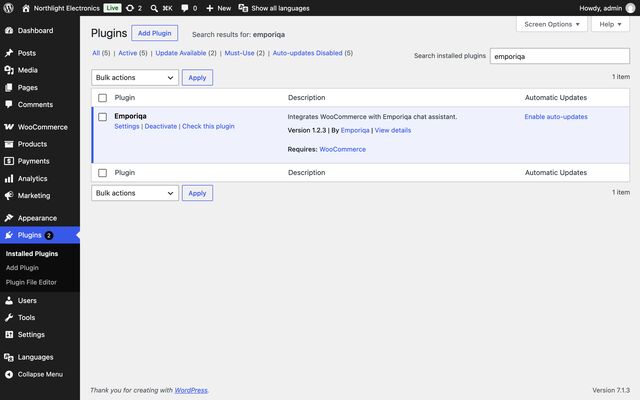
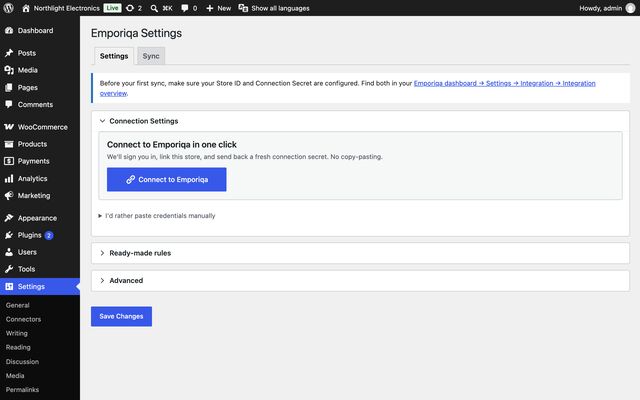
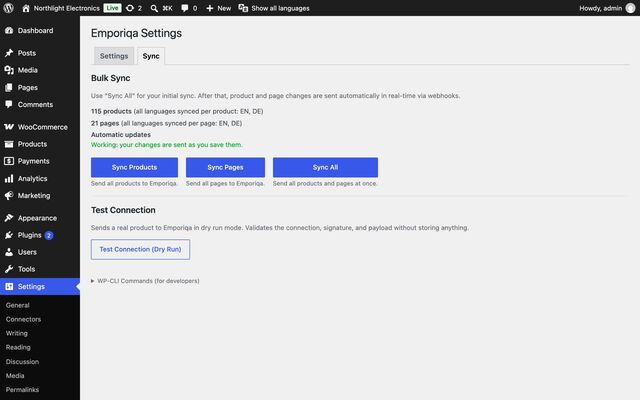
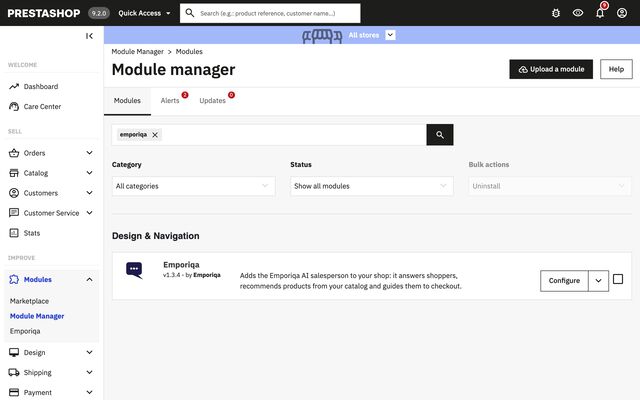
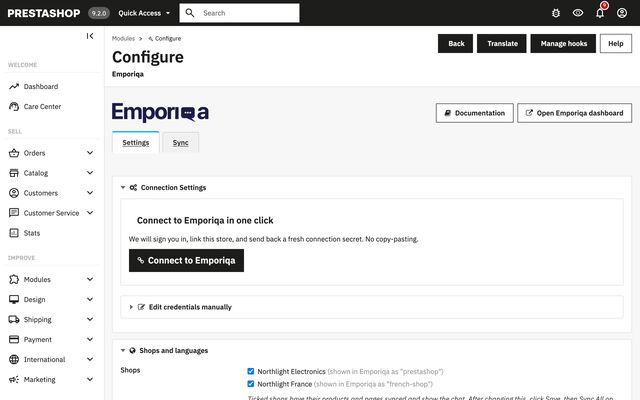
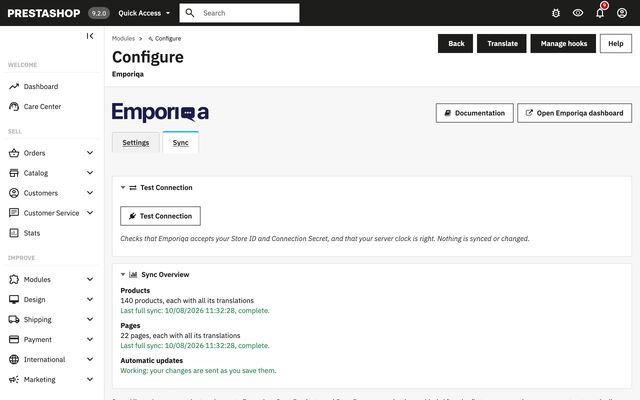
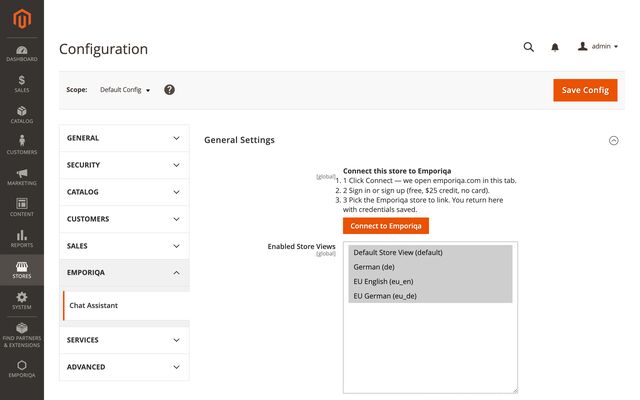
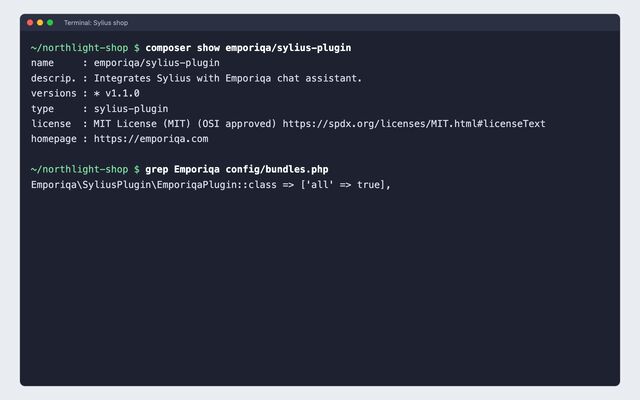
A native plugin that reads your catalog the way your platform does: variants, translations, per-channel pricing, stock per warehouse. Your store stays fast; the AI runs on our side.

Five outcomes, five screenshots

One paragraph per outcome with a screenshot of the chat doing it. Developer notes underneath if you need them.

Outcome 1

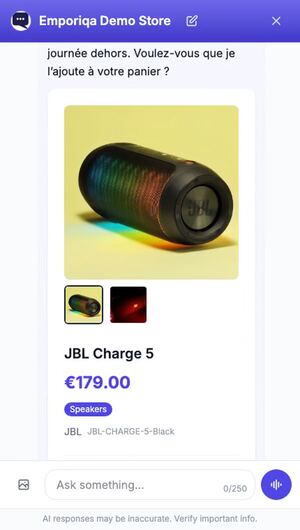
Recommends products from your catalog

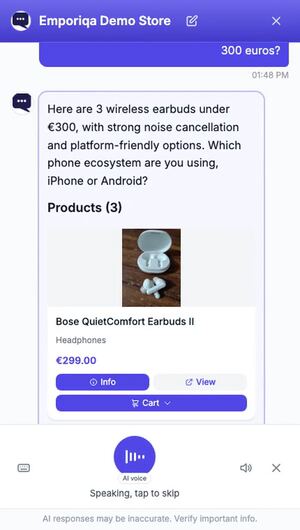
The chat reads your catalog and answers shoppers in their words, in the language they typed. "Wireless gaming mouse, low latency, under €60" returns a specific product with price, stock, and add-to-cart, instead of a search results page. A photo upload triggers visual search; a screenshot of a competitor's product becomes a recommendation from your catalog.

  • Text or photo query
  • Variant-aware: returns the right size, color, configuration
  • Cross-language: French shopper, English catalog, no extra work
For developers

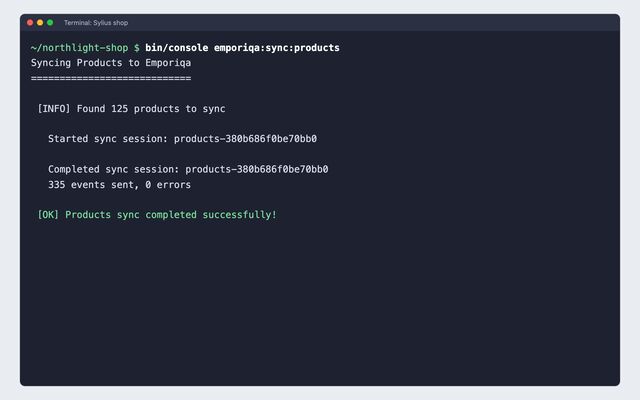
The shopper's question is expanded by a language model, matched against vector embeddings of your catalog in a self-hosted vector database, then reranked by a cross-encoder. Image queries are turned into a text description by a vision model and run through the same retrieval path. Catalog data syncs from the native plugin's webhook, not a script-tag scrape.

Shopper asks for wireless headphones under $500 with great sound, and the chat recommends the Sennheiser Momentum 4 at €379 with price, stock, and an Add-to-cart button.

Outcome 2

Closes sales

When a shopper hesitates on price, fit, durability, or return policy, the chat handles the objection with concrete information from your store pages, then walks them to add-to-cart inside the conversation. It answers the price question itself, and the buying moment stays on the page.

  • Handles objections from your policies + product descriptions
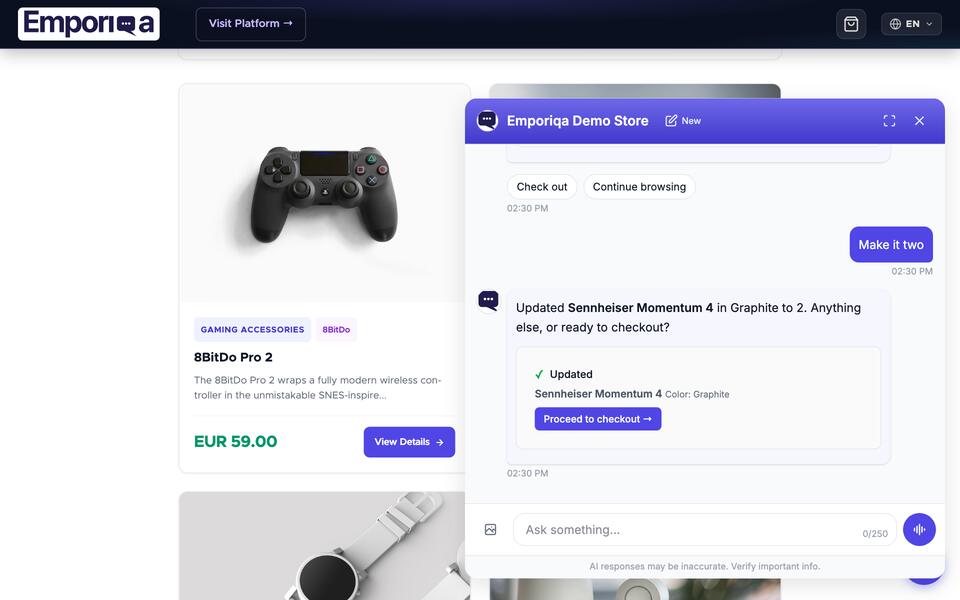
  • Add-to-cart and quantity changes inside the chat
  • Walks shoppers to checkout without leaving the chat
For developers

Cart operations are function-calls into the native plugin (Sylius events, WooCommerce hooks, Magento service contracts, and so on), instead of HTML scraping. State syncs back to the chat in real time, so quantity, totals, and stock stay correct.

Shopper raises a price objection and the chat handles it with a concrete comparison, then walks them to add-to-cart.

Outcome 3

Answers the same 20 questions your team gets daily

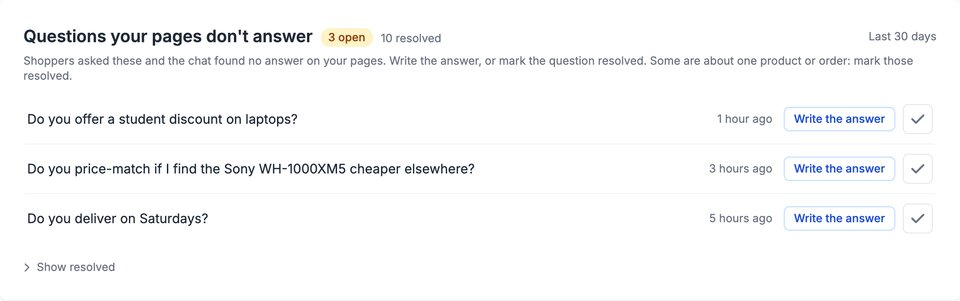
Shipping, returns, sizing, materials, warranty, order status. The chat answers from your store's policy pages and (with your permission) order data, so the same 20 emails your team types every week stop arriving. Order tracking is opt-in and stays inside the shopper's own conversation. When the answer was never written down on your site, write it yourself in the dashboard: a title and the text in your own words, and the chat answers from that too.

  • Answers from your synced policy and product pages
  • Order tracking by order number + email (optional)
  • Per-shopper conversation history; no spamming follow-ups
  • Write your own page for anything your site never covered, in up to 10 languages, and a sync never overwrites it
For developers

Order tracking is opt-in and goes through your store's HMAC-signed webhook endpoint. The order details it reads back are never stored: they are shown in the conversation and kept nowhere. The only order fields Emporiqa retains are the ones conversion attribution needs, and only if you turn it on. Policy retrieval runs the same catalog-grounded retrieval path as product search. Pages you write in the dashboard run through that same path, and a catalog sync never overwrites or deletes them.

Shopper asks whether Klarna is accepted and about a student discount; the chat answers with payment options and discount details from the store's policy pages.

Outcome 4

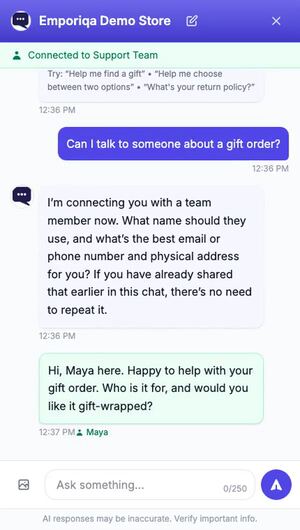
Live chat you can step into, without staffing a desk

The AI answers first. When it isn't confident, it says so instead of guessing and offers to bring in a person. Your team doesn't have to wait to be asked: any member can open a conversation in the inbox and take it over, then type in the same thread the shopper is already reading. They get the full transcript and your saved replies. No "can you repeat the issue?" round-trip.

  • You can step into any live conversation, not only the ones that asked for help
  • They type in the shopper's own thread, the shopper sees them typing, and answers you send often can be saved and reused
  • The shopper sees when someone is coming, and can cancel and keep talking to the AI
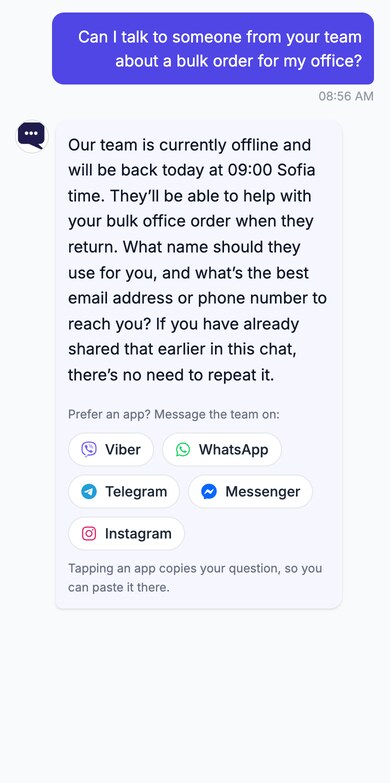
  • Business hours per store; outside them the chat takes an email or phone number
  • Alerts in Slack, Microsoft Teams, Discord, or Google Chat
  • Unlimited team members, no per-seat fee
For developers

Conversations land in the Emporiqa admin inbox, filtered by whether they need help, a person is already in, or the AI is handling them. Take-over works on any session, and if no handoff record exists one is created and logged. Your team replies from the dashboard; email and team-chat alerts are how they hear a conversation is waiting. Those team-chat alerts run off an incoming webhook URL you paste in per channel, with no OAuth app to approve on either side.

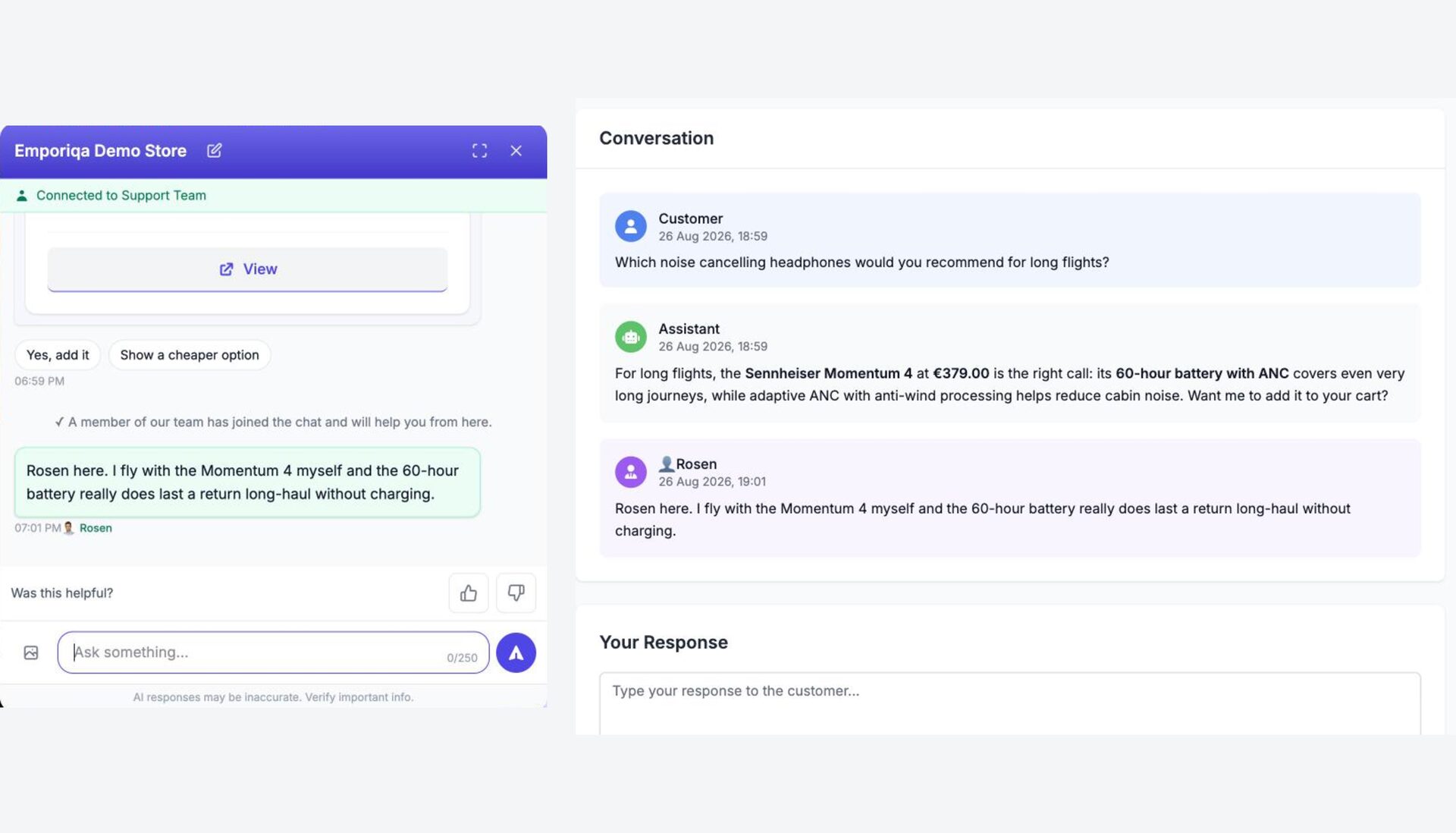
One conversation seen from both sides. Left, the shopper's chat: a line saying a member of the team has joined, then a reply that carries the teammate's name. Right, the same conversation in the Emporiqa dashboard, that reply already sent, with the response box ready for the next one. The reply text and the timestamps match.

Outcome 5

Shows you what worked

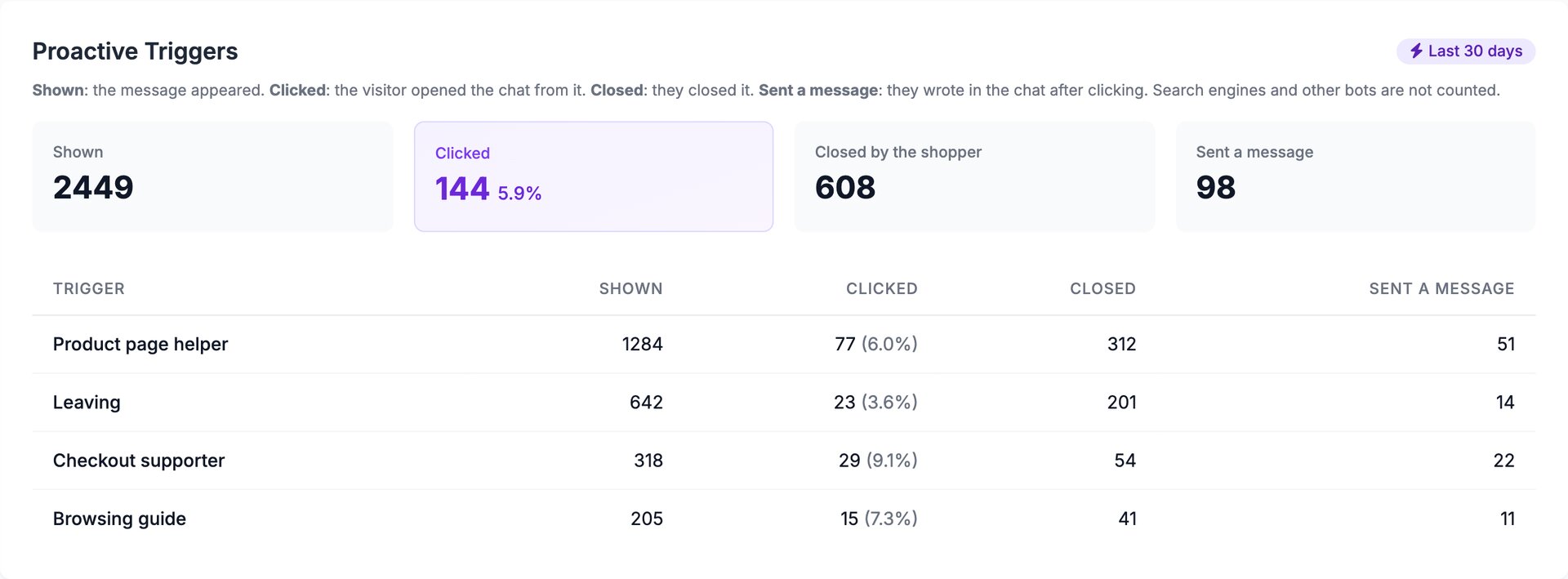
Every conversation has an outcome you can read. The dashboard follows the whole path: how many people saw the chat, how many opened it, how many wrote something, and what it turned into. Chat sessions are tied to add-to-cart events and completed orders, so the weekly number you look at is chat-attributed revenue. The engagement figures count people, once per day each, rather than page loads, so they read lower than a page-view count and every card says on it what it measures.

  • Visitors, opens, open rate and engagement, every one of them a count of people
  • Revenue attribution per conversation, not vanity metrics
  • Every card says what it measures, so nobody has to guess what engagement means
  • Per-shopper journey: every chat replayable end-to-end
For developers

Conversion attribution uses your store's order webhook plus a chat-session cookie scoped to your domain. Both are first-party, and the chat cookie is classified strictly necessary under ePrivacy Article 5(3), which is what keeps it clear of a consent banner. The engagement figures are daily unique people, held in three nested sets (saw the chat, opened it, sent a message) so neither rate can exceed 100%. The visitor fingerprint is derived server-side from a salt that rotates every UTC day, so the same person on two days cannot be linked and nothing persistent is stored in their browser. The counts are cardinality estimates, accurate to a fraction of a percent rather than exact rows.

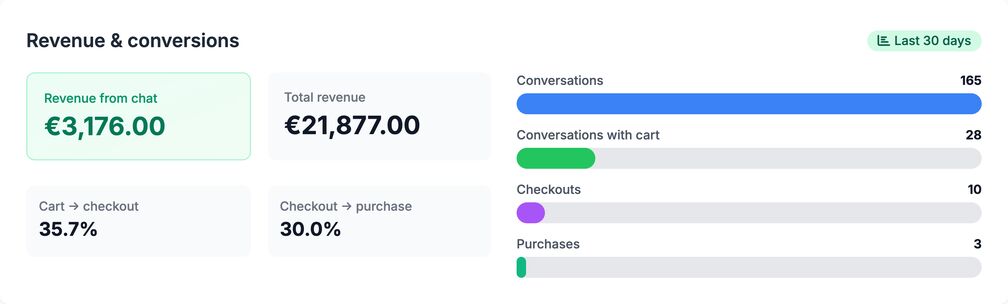
Emporiqa dashboard Revenue and Conversions card: revenue from chat of €4,974 beside total store revenue of €40,788, cart to checkout at 58.8%, checkout to purchase at 60.0%, and a funnel of 173 conversations, 34 conversations with cart, 20 checkouts and 12 purchases.
Widget Engagement panel in the Emporiqa dashboard for the last 30 days. Four cards: Visitors 1982, people who saw the chat, counted once per day each; Opens 79, people who opened it, counted once per day each; Open Rate 3.99%, of the people who saw the chat how many opened it; Engagement 48.1%, of the people who opened it how many sent a message. Below them a line chart plots visitors and opens per day from 26 July to 22 August.
Counted in people. Every card carries the sentence that defines it. Visitors and opens are people, counted once a day each, so the open rate is a rate you can act on instead of a ratio of page views.
What Your Shoppers See

Six moments from the chat on our demo store, in the order a sale happens, then the shop it runs on. Same widget your storefront loads, answering from the demo store's catalog.
Emporiqa chat widget on the Emporiqa Demo Store. The shopper asks "Which laptop under 1200 euros is best for a student who edits video?" The assistant replies that for student video editing the MacBook Air 13 at €1,199.00 is the closest fit under budget, pointing to its M3 chip, 16:10 Liquid Retina display, and 1.24 kg fanless design for editing between classes, then asks whether to add it to the cart. A product card with a photo of the laptop, labelled MacBook Air, sits under the reply.
Recommends, with a reason. The shopper describes the situation, not the product. The chat picks one item out of your catalog, names the price, and says why it fits.
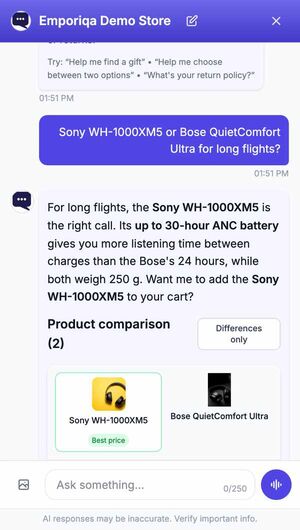
Emporiqa chat widget on the Emporiqa Demo Store. The shopper writes "Compare the Sony WH-1000XM5 and the Bose QuietComfort Ultra". The assistant recommends the Sony WH-1000XM5 for everyday listening and travel, noting its battery runs up to 30 hours with ANC, 6 hours longer than the Bose, while both weigh 250 g, then asks whether to add the Sony to the cart. Below it a comparison table headed "Product comparison (2)" with a Differences only button lists both products with photos, a Best price tag on the Sony, prices of €399.00 and €429.00, brand, and battery life.
Compares two products. Two products the shopper is torn between, in a table built from your own product data, with a recommendation above it.
Emporiqa chat widget on the Emporiqa Demo Store. The tail of an earlier answer reads "What were you looking at?" above two suggestions, How do I start a return and Continue browsing. The shopper then writes "I can get this cheaper on Amazon, why should I buy it here?" The assistant answers that it has no page here promising price-matching and the team would need to confirm that, then lists what buying here does include: EU-compliant invoicing, fast EU shipping with clear timelines, and a return path with up to 30 days for change of mind plus a 24-month statutory guarantee. It closes by offering to check current availability for the item so the shopper can weigh it against the Amazon price. Two suggestions follow, Ask about price matching and Help me find something.
Answers the price objection. It does not invent a price-match policy you never wrote. It says what it found on your pages, then gives the shopper the reasons to buy from you.
Emporiqa chat widget on the Emporiqa Demo Store. The shopper writes "Add the Sennheiser Momentum 4 to my cart". The assistant asks which colour: Black (€379.00) or Graphite (€379.00). The shopper answers "Black". The assistant replies "Added Sennheiser Momentum 4 to your cart. Anything else, or ready to checkout?" and shows an added-to-cart card with a green tick, the product name, Color: Black, and a Proceed to checkout button. Two suggestions follow, Check out and Continue browsing.
Adds it to the cart. It asks the colour instead of guessing, then adds the right variation inside the chat, with a button straight to checkout.
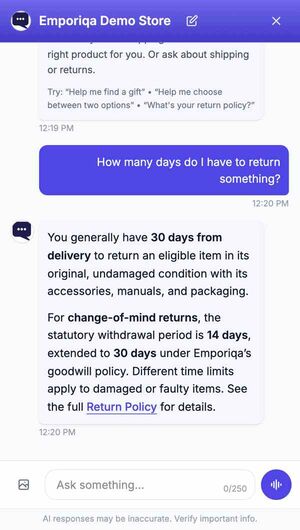
Emporiqa chat widget on the Emporiqa Demo Store. The tail of an earlier answer says Emporiqa ships to all European Union and European Economic Area countries, including Germany, with standard delivery in 3-6 business days and express in 1-3 business days, and points to the store's Shipping Policy, above two suggestions, Read shipping policy and Where do you ship? The shopper then asks "Do you accept Klarna?" The assistant answers that Klarna is accepted, including Pay in 3, Pay in 30 days, and Financing, subject to country availability and a credit assessment, and points to the store's Billing Policy. Two suggestions follow, Read the billing policy and Help me find something.
Answers from your own pages. Shipping, returns and payment questions answered from your policy pages, with a suggestion chip that opens the page it read.
Emporiqa chat widget on the Emporiqa Demo Store with a yellow banner across the top reading "Waiting for support team..." and a Cancel button. The tail of an earlier answer about return conditions covers items that are non-refundable, such as personalised items, digital downloads, and activated licence keys, refunds to the original payment method within 3-5 business days after inspection, and points to the store's Return Policy and Refund Policy, above two suggestions, How do I start a return and Continue browsing. The shopper then writes "My order arrived damaged and I want a refund". The assistant apologises, says a refund for damaged items needs the team's review and it is connecting the shopper now, then asks for a name and the best email or phone number, noting there is no need to repeat anything already shared.
Brings in a person. On a refund or a complaint it stops selling, collects a name and a contact, and tells the shopper someone is coming. Your team can pick up with the whole conversation already there.
The Emporiqa chat open on the Emporiqa Demo Store storefront, on an Electronics category page. Behind it the page shows the heading Electronics, the line Laptops, phones, audio, cameras, smart home and more, Showing 1 - 24 of 200 products, a Questions? Chat with us button, a Category filter set to All Categories, and a product photo of a game controller resting on a desk. The chat sits in the bottom right corner as a panel, not a full-screen takeover. In it the shopper has written "Which laptop under 1200 euros is best for a student who edits video?" and the assistant replies that for student video editing under €1,200 the MacBook Air 13 at €1,199.00 is the strongest fit, pointing to its M3 chip and P3 wide-colour 2560×1664 display, then asks whether to add the Silver / 256GB version to the cart. A product card with a photo of the laptop sits under the reply.
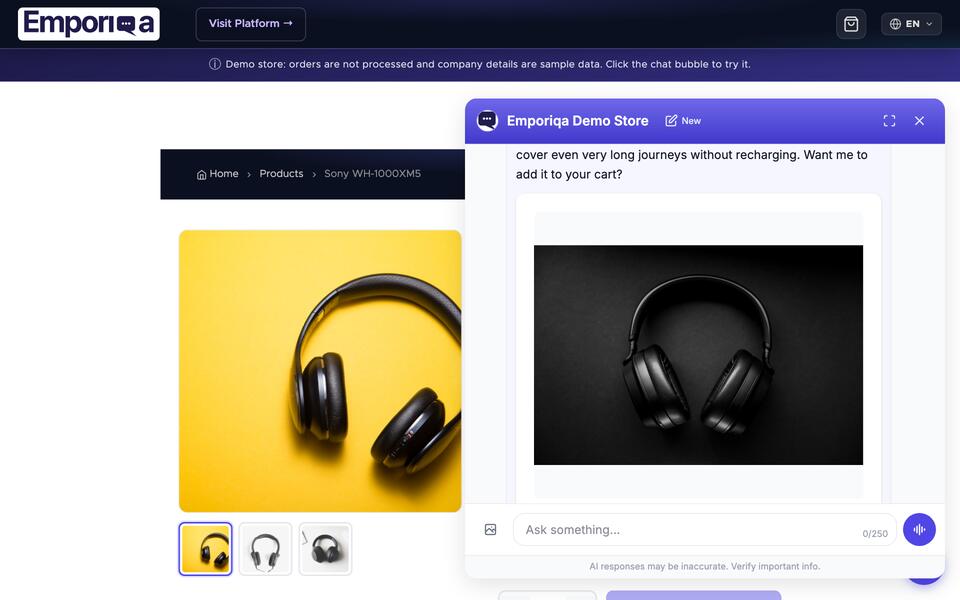
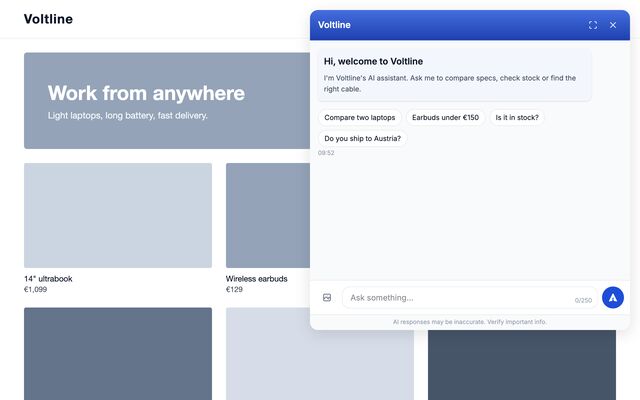
On the shop, in the corner. The chat opens as a panel beside your products, not over them. You choose which of the four corners it sits in, and it carries your store name and your colours.

Your Conversation Inbox

Every conversation the salesperson had, saved and reviewable. Filter by status, language, or user. Take over any conversation, not only the ones that asked for help. See exactly what was recommended, compared, and closed.

Emporiqa conversations inbox: totals of 448 conversations, 1,768 messages and 3.95 messages per conversation, then a yellow panel headed "4 customers are waiting" listing four chats tagged high or medium with the shopper's own words in English, French and German and a Take over button on each, and below it a blue panel holding two requests left while the team was offline, each with a Follow up button.
Inbox view. Chats that need a person sit at the top, tagged by reason and urgency. Anything that arrived while your team was offline waits in the follow-up queue.
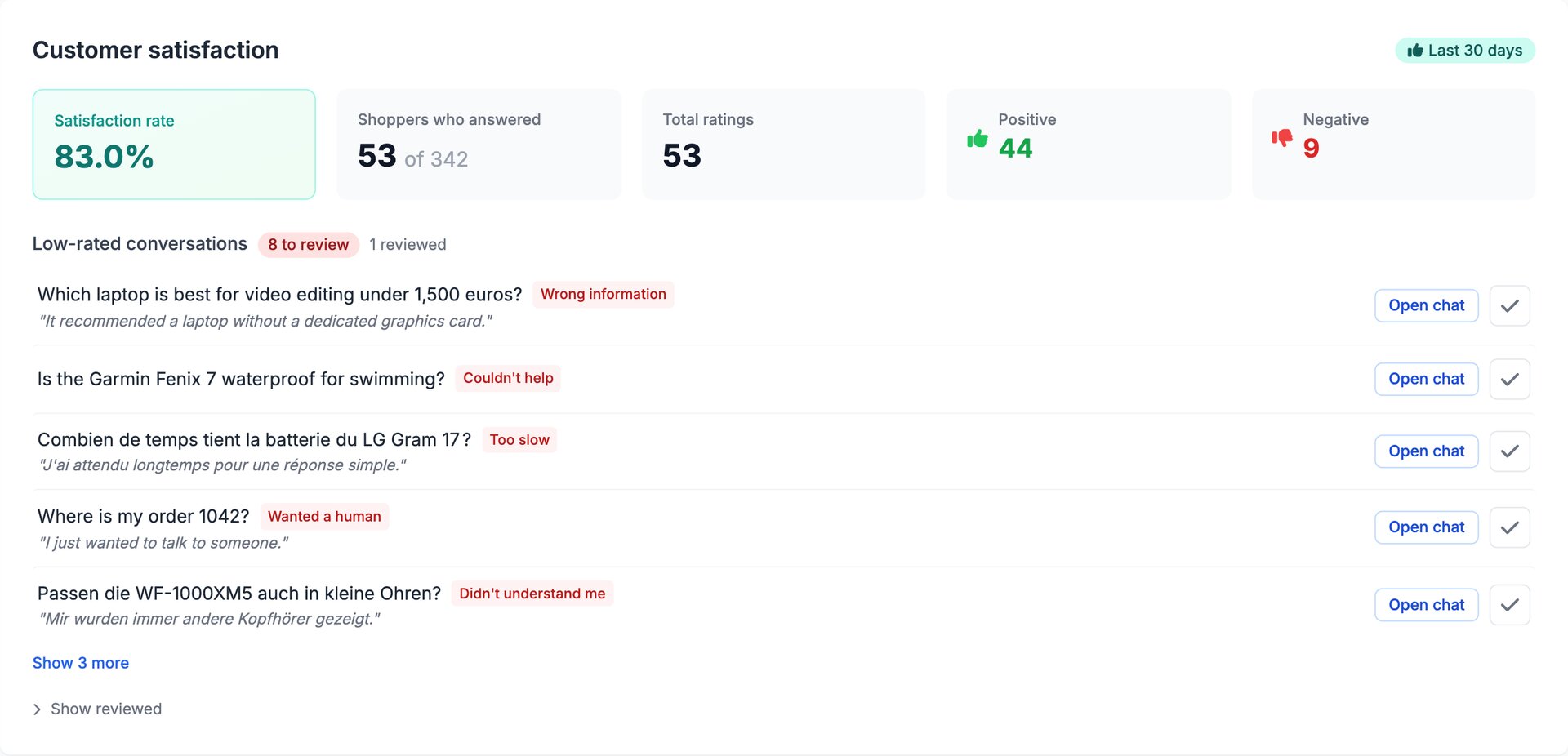
Emporiqa customer satisfaction card for the last 30 days: an 83.3% satisfaction rate, 30 of 148 shoppers answered, 30 total ratings, 25 positive and 5 negative, above a Low-Rated Conversations list whose first two rows carry the shopper's opening question, one in German about stock for delivery to Austria with the comment they left in their own words, and one in English asking whether the Bose QuietComfort Ultra is in stock in black.
What shoppers thought. Every thumbs-down keeps the question that caused it and whatever the shopper typed about it, so you can go and fix that answer.

You Decide Who It Talks To

You pay per conversation, so you get a say in which ones happen. Limit the chat to the countries you sell to, see which country every conversation came from, and block a shopper who is abusing your team, from the conversation itself.

The Emporiqa conversations list. A filter bar runs across the top with a search box, a selector for what to search in, a status selector and a date range. Under it the conversations themselves, each row carrying its status, whether the shopper was signed in or a guest, the last line of the chat, the time, the message count and the country it came from. Rows waiting on a person are highlighted and carry a Take over button.
Every chat carries its country. Where the conversation came from sits right on the row. Read it to see where your chat is selling, or narrow the widget to the countries you ship to and stop paying for the rest.

Most stores never touch any of this. It is here for the two days a year when something goes wrong: one person who will not stop, or a script opening chats overnight while you sleep. A blocked visitor is turned away before a conversation is created, so they stop reaching your bill as well as your team.

  • The country on every conversation, readable from the list without opening it
  • Allow or exclude countries under Settings, Security. Visitors elsewhere never see the chat button
  • Block a signed-in customer, or the connection they were using, from the conversation itself
  • A blocked list that records who blocked whom, when and why, with an Unblock button on every row
The Blocked customers page in the Emporiqa dashboard, reached from Conversations. Two entries. A connection blocked with the note “Opened 40 chats overnight”, showing who blocked it, the date, and that it lifts by itself on 22 November 2026. Below it a signed-in customer, cust_20431, blocked with the note “Abusive language to the team” and no lift date. Each row has an Unblock button, under a line reading that blocks on a signed-in customer stay until you lift them while blocks on a connection lift themselves.
Block the one that is a problem. For the shopper who is abusing your team, or the script opening forty chats overnight. A signed-in customer stays blocked until you lift it. A connection lifts itself after 90 days, because the same connection can be someone else's by then.
Conversation Details card in the Emporiqa dashboard, opened from a single chat: user cust_8142, country United Kingdom, started and last active 24 August 2026, 8 messages, a Positive rating. Below it a Moderation section with a note field for the team, a red Block this customer button, a paragraph explaining that a block cuts the customer off immediately, holds while they stay signed in and for 90 days on the connection they used, and does not stop them browsing or ordering, and an amber warning that 3 different signed-in customers have used this same connection, so blocking it would stop all of them.
It warns you before you block. The block button sits on the conversation itself, with a note field only your team sees later. Before you block a shared connection, the page tells you how many other signed-in customers have used it too.

None of it is a wall and we do not sell it as one. Someone blocked can come back signed out or from another network, and a country limit is defeated by a VPN. A visitor whose country we cannot establish is shown the chat rather than hidden, because a lost sale costs you more than an unwanted visitor.

Try it before your shoppers do

The chat your storefront loads, running on your own catalog, inside your dashboard. Ask it the question you are worried about before a customer does.

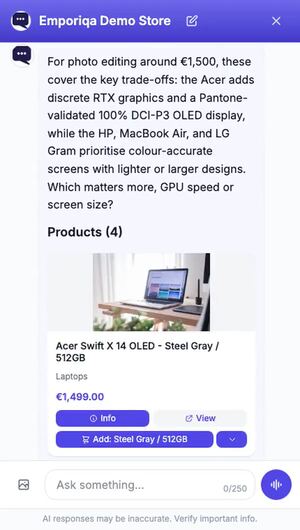
Test your salesperson page in the Emporiqa dashboard. A shopper asks which laptop to use for video editing and the chat answers with the Acer Swift X 14 OLED at €1,499.00, giving its reasons: RTX 4050/4060/4070 graphics and a 2.8K OLED display with 100% DCI-P3 colour. Beside it, controls for the shopper's language and sales channel, a count of 203 products and 17 pages it can answer from, and the widget colour editor. A line above the chat reads that chats started here are real, land in Conversations and cost $0.25 each.
Your widget, your catalog. The script your storefront loads, answering from your own products.

Most merchants have one worry: will it invent a product and embarrass me in front of a customer. Ask it for something you do not stock and watch it say so, on your own catalog, before you go live.

  • Ask anything a customer might ask, on your own products
  • Test as a shopper who speaks any of your synced languages
  • See how many products and pages it can answer from in that language
  • Change the widget colors and wording and watch the chat redraw
  • Reopen any of your last 20 conversations, free to read

Transparent Pricing

One pay-as-you-go plan. You set the ceiling.

Free to start

$25 credit on signup

$0/mo

$25 of credit · ~100 conversations on us

Most Popular

Pay-as-you-go

Pay only for what you use

$0.25/conversation

Capped at $59/month by default · you set the ceiling

Enterprise

High volume, custom terms

Custom

Custom pricing · dedicated support

You set the monthly ceiling. Default cap is $59/month. Raise it, lower it, or leave it. Your dashboard shows chat-attributed revenue, conversion funnel, CSAT ratings. Decide based on your own data, not our claims.

Unlimited team members, 65+ languages, cancel anytime. Free to start, with no credit card. Learn more: how AI chatbot pricing works.

See full pricing comparison

See exactly what you use

Billing dashboard showing the active Pay-as-you-go plan, its $0.00 monthly price, the next billing date, the monthly spending cap set to $59.00, and the explanation that the cap is a hard stop, not a warning: once billable usage reaches it, no new conversation starts until the next billing period
Pay-as-you-go at $0.25 per conversation, up to the cap you set. Reach it and no new conversation starts until the next billing period, so you are never charged past it.
Rosen Hristov, Founder and CEO of Emporiqa

Built by

Rosen Hristov

Founder & CEO

Fifteen years building for the web, enterprise platforms for names like Vodafone and Ferrero, and online shops across Europe. Most of that time watching store owners struggle with one problem: no one on shift to help the shoppers who show up. Emporiqa is the tool I wish those stores had.

Connect on LinkedIn

Platform & Security

Unlimited Team

Owner and Team Member roles. No per-seat pricing.

Step Into Any Live Conversation

Anyone on your team can open a live chat from the dashboard and take it over, not only the ones that went wrong. While a person is in the conversation the chat stops. Your teammates can put their own name and photo on their replies, instead of your store mark.

90-Day History

Full chat history. Every conversation reviewable.

Your Name On It, Not Ours

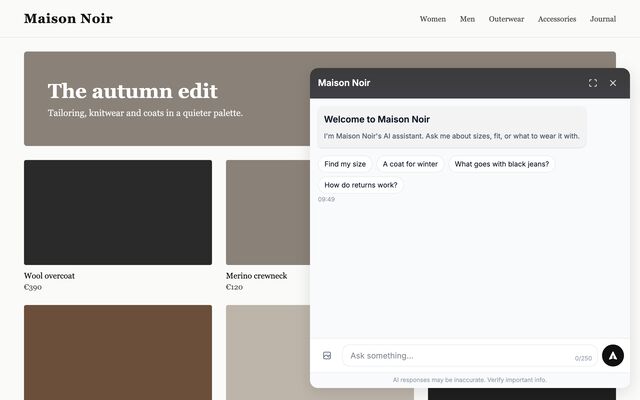
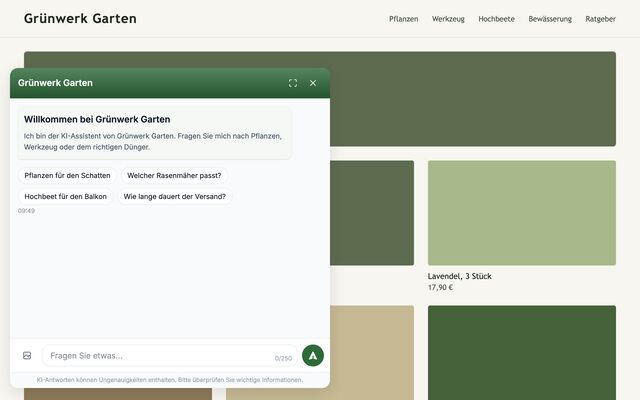
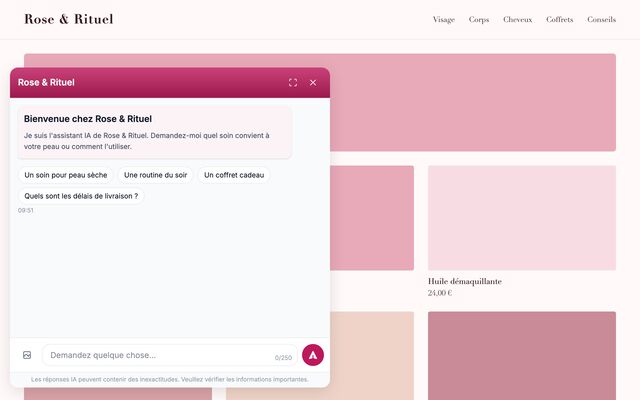
No Emporiqa badge on your storefront. The chat header carries your store name. Your brand colors, one of four corners, a picture of your own in the chat header and next to the chat's answers, and your own title and greeting per language.

Your Data Stays Separate

Your store's connection is encrypted. Each store's data is kept separate from every other store.

Domain Allowlisting

Only your approved domains can load the widget.

Verified Requests

Every data exchange is verified and secure.

$25 signup credit

About 100 free conversations on us. No card needed at signup. The credit doesn't expire while your store is active.

65+ Languages

Chat widget and conversations in 65+ languages.

Specialized Agents

Product questions, policies, and orders each routed to the right expert. Not one prompt doing everything.

GDPR & EU Company

We're an EU company. Your data is not used to train AI models. Chat history is kept for 90 days, then automatically deleted.

AI Costs Included

Your plan covers the AI model costs. The keys are ours to manage and the bill is one line.

Multi-Store

Run more than one store from a single account. Useful for agencies or multi-brand retailers.

Your Brand Is Safe With It

Grounded in your catalog. Hedges when unsure. Every chat reviewable. The salesperson protects your brand as hard as it closes sales, so you don’t find out about a bad answer from a customer complaint.

Grounded in Your Data

Every reply comes from your synced catalog and store pages, never from training data.

Hedges When Unsure

When confidence is low, it says so rather than guessing, and brings in a person. Low-risk defaults, no off-topic rabbit holes.

Every Chat Reviewable

Full transcript per conversation. Low-rated chats flagged on the dashboard. Open and reread any conversation at any time.

See it refuse to make things up, and rerun the questions yourself

Frequently Asked Questions

How long does setup take, and is it included?

All plans include setup. You install the plugin, connect your store, sync your catalog, and drop the widget on your store. Platform-specific docs walk you through each step. Time depends on your catalog size and platform familiarity.

Will it slow down my store?

No. The plugin on your store listens for catalog changes and forwards them to us. All AI processing, search, and conversation happens on our servers. Your checkout and product pages keep their current speed.

What happens when the chatbot can't answer?

It says so and brings in a person, with the full conversation history carried over. If the shopper agrees, it also collects their contact details (email or phone) so your team can follow up even if the shopper leaves the page. Your team can also step into any conversation without being asked.

What if it makes up an answer or quotes the wrong policy?

Answers come from your catalog and your store pages, not the open internet. If the salesperson isn't confident, it says so rather than guessing, and brings in a person. Every conversation is saved and low-rated chats are flagged on your dashboard, so you review any edge case before it becomes a complaint.

What if Emporiqa has an outage, does it break my store?

No. The widget loads asynchronously from our servers. If we're unreachable, the chat bubble doesn't appear. Your storefront, product pages, and checkout keep working normally. The plugin on your store only listens for catalog changes; it doesn't run any customer-facing logic.

Do I pay extra for AI model usage?

No. Your plan covers AI model costs. You don't bring your own API key, you don't manage token budgets, you don't get a separate AI bill. One subscription covers everything.

Does it work in languages other than English?

Yes, 65+ languages. A shopper types in German, gets answers in German, even if your catalog is in English. The widget interface translates too. No extra translation service needed.

Can shoppers search with a photo? (Visual search / image search)

Yes. The chatbot supports visual search. Shoppers can upload a photo or take a picture with their phone, and the chatbot finds the closest match in your catalog. Works for anything a shopper might snap: a style they saw on social, a product they spotted elsewhere, a picture of what they want. The image is described automatically and matched against your synced products, so no extra tagging or image labels are required. Accepts JPEG, PNG, WebP, and GIF up to 5 MB.

Is my conversation data used to train AI models?

No. Conversations are not used for model training. Chat history is kept for 90 days, then automatically deleted. We're an EU company operating under GDPR.

Try It On Your Store

Connect your products and watch the salesperson handle shopper questions on your catalog.

Your dashboard shows what each conversation led to. After about 100 free conversations, your own numbers decide.

  • $25 signup credit
  • $0.25/conversation, capped
  • No card required